
How to Run a Pinterest Contest: Step-by-Step Guide
Running a Pinterest contest comes down to six moves: choose your entry method, write rules that follow Pinterest's guidelines, design a Pin that earns attention, promote it, close entries and pick a winner fairly, then announce the result. This guide walks through each step in order, with the specific details that separate a contest that quietly underperforms from one that grows your account for months afterward.
What Is a Pinterest Contest (and How It Differs From a Giveaway)?
The terms get used loosely, but there's a real distinction worth knowing before you start.
A giveaway (also called a sweepstakes) selects a winner purely by chance. Entrants do something simple, like leaving a comment, and a winner is drawn at random from everyone who qualifies. No skill is involved, which is why sweepstakes are subject to specific rules in the US around things like "no purchase necessary."
A contest, in the strict legal sense, judges entries on skill or merit — the best photo, the most creative idea, the funniest caption — and a judge or panel picks the winner rather than a random draw.
In everyday use, including in Pinterest's own guidelines, "contest" often covers both. Most of what brands run on Pinterest is really a random-draw giveaway dressed up as a "contest," and that's fine, as long as your rules are honest about how the winner is actually chosen. This guide uses "contest" the way most hosts and the term "pinterest contest" in search actually mean it: any structured promotion where people enter on your Pin for a chance to win something.
Before You Start: Goal, Prize, Budget, and Audience
Every decision that follows depends on a few things you should settle first.
Your goal. Decide what you actually want out of the contest: more followers, more saves and reach on a specific Pin, more email subscribers, or more traffic to a product page. A contest built to grow your follower count looks different from one built to drive email signups, so pick the primary goal before you design anything else.
Your prize. The prize decides who shows up. A broadly appealing prize like a gift card draws a huge pool of entrants, most of whom have no real interest in your brand and vanish the moment the contest ends. A prize that's specific to your niche — your own product, a bundle only your audience would want — draws fewer but far more valuable entrants.
Your budget. Factor in the prize cost, any paid promotion, and the time your team will spend running and judging the contest.
Your audience. Think about who you want entering. If your goal is new customers, design the contest so only people genuinely interested in what you sell would bother entering.
Step 1 — Choose Your Entry Method
How people enter shapes everything downstream, so decide this early.
Comment to enter is the simplest and most common format on Pinterest. You ask a question or set a prompt ("comment your favorite fall recipe to enter"), and anyone who replies is in the draw. It's low-friction, which means more entries, and it's straightforward to run fairly: collect the comments, remove duplicates, and draw.
Tag a friend asks entrants to comment and tag someone else, which extends your reach to people outside your existing audience. It pairs naturally with a comment-to-enter format — just add the tagging requirement as part of the entry rule.
Answer a question is a variation on commenting that doubles as market research. Asking "which of these three colors would you want to see next?" gets you a contest and real product feedback in one move.
Whichever method you pick, there's one rule to build around from day one: Pinterest's guidelines do not allow counting more than one entry per person, no matter how many times they comment. Decide now that your draw will treat each participant as a single entry, and the rest of the process gets much simpler.
Step 2 — Write Your Contest Rules
Vague rules are the single fastest way to turn a fun contest into a dispute. Before you publish anything, write down the specifics: the prize, how to enter, the start and end dates with time zone, who's eligible, how many winners there will be, how the winner is chosen, how and when you'll contact them, and a line stating the contest is not sponsored or endorsed by Pinterest.
Clear, visible rules protect you and make entrants more comfortable participating. For the full list of what a compliant rules section needs — plus a copy-paste template — see Pinterest Contest Rules: What to Include + Free Template, or generate a custom set in seconds with the Giveaway Rules Generator.
Step 3 — Design the Contest Pin
Pinterest is a visual platform, so the Pin itself carries most of the weight. A few things consistently work:
- Use a vertical image at a 2:3 ratio (for example, 1000 × 1500 pixels), which Pinterest's feed favors.
- Add bold text on the image — "GIVEAWAY" or "ENTER TO WIN" — so the purpose is obvious even to someone scrolling quickly.
- Show the prize clearly. A clean, attractive photo of exactly what someone could win performs better than a generic graphic.
- Write a clear call to action both on the image and in the Pin description, telling people exactly how to enter.
- Use a keyword-rich description so the Pin can also be discovered through Pinterest search, not just by your existing followers.
Treat the contest Pin the way you'd treat any Pin you want to rank and spread — because it needs to do both jobs at once.
Step 4 — Promote the Contest
Publishing the Pin is the starting line, not the finish. To get real reach:
- Pin it to your most relevant boards, and consider a dedicated promotions board if you run contests regularly.
- Share it beyond Pinterest — your email list, your other social channels, anywhere your audience already pays attention. Cross-promotion is often where the bulk of entries come from.
- Post early in your contest window so the Pin has time to build engagement before the deadline.
- Send a reminder partway through and again near the close, since a "last chance to enter" nudge reliably lifts participation.
A one-to-two-week window is usually the sweet spot: long enough for the Pin to spread, short enough to keep a sense of urgency.
Step 5 — Close Entries and Pick the Winner With PNT Picker
When the deadline passes, this is the step where trust is either earned or lost. Hand-picking a winner — even honestly — looks suspicious to your audience, and copying comments into a spreadsheet to run a number generator is slow and easy to get wrong.
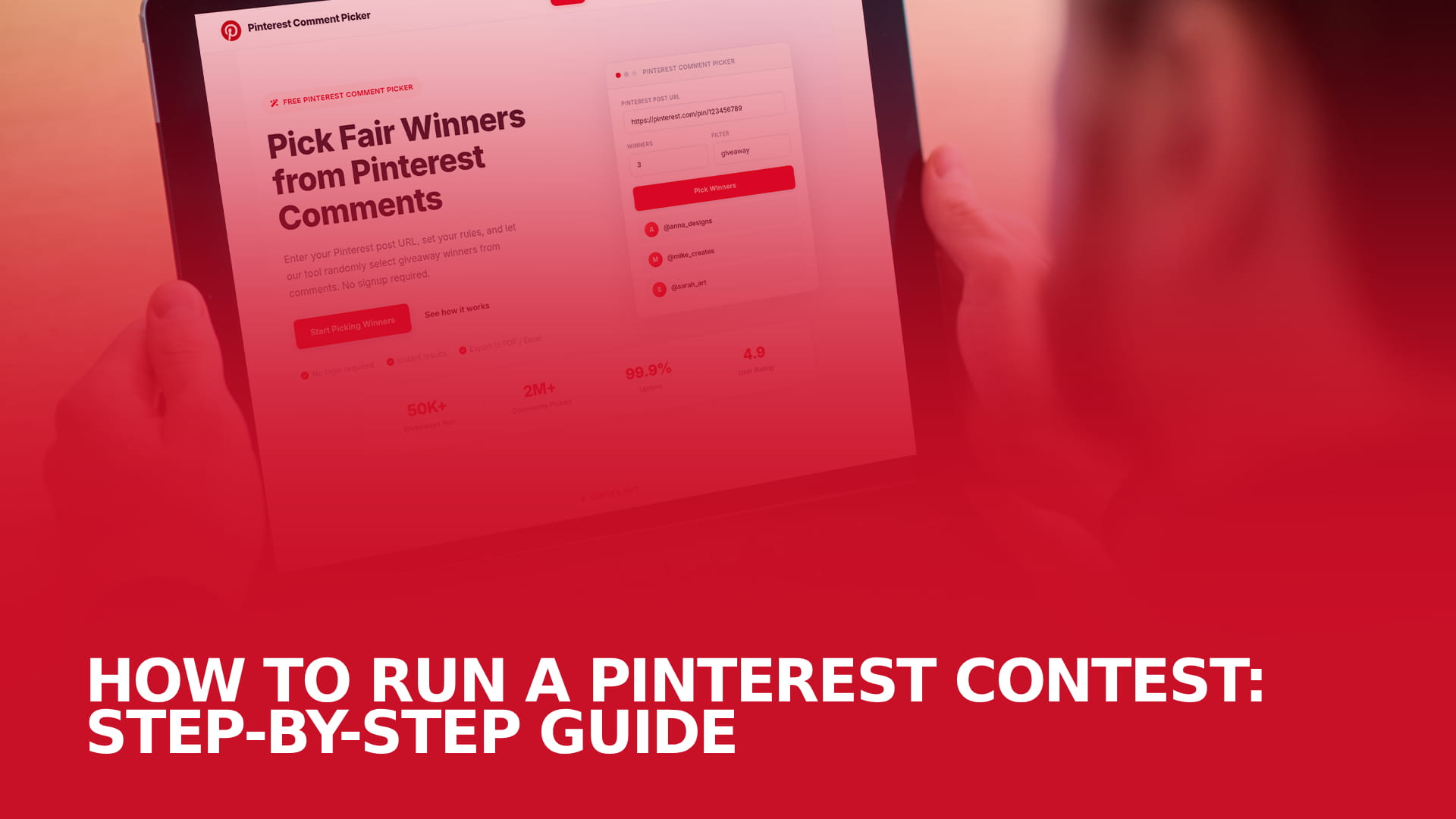
This is exactly what PNT Picker is built for. Paste your Pinterest post URL in, and the tool imports every comment automatically.
[SCREENSHOT PLACEHOLDER: PNT Picker's "paste Pin URL" entry screen. Suggested alt text: "PNT Picker tool showing a Pinterest Pin URL being entered to start a contest draw."]
From there, apply the filters your rules call for:
- Keyword or hashtag filter, to count only comments that followed your entry prompt
- Excluded words, to screen out specific terms you don't want counted
- Duplicate removal, to collapse repeat comments from the same person into a single entry — this is what keeps you aligned with Pinterest's one-entry-per-person rule
- Tag-a-friend filter, if your contest required tagging someone
- Minimum comment length, to filter out low-effort or spam replies
- Include or exclude replies, depending on whether nested comment replies should count
[SCREENSHOT PLACEHOLDER: The filter panel with keyword, duplicate removal, and tag-a-friend options visible. Suggested alt text: "PNT Picker filter settings for a Pinterest comment giveaway, including duplicate removal and tag-a-friend options."]
Once your filters are applied, run a secure random draw. PNT Picker gives every eligible entry an equal chance and can select multiple winners plus backup winners in the same draw, so you already have a replacement ready if your first pick doesn't respond.
[SCREENSHOT PLACEHOLDER: The result screen showing a drawn winner. Suggested alt text: "PNT Picker result screen displaying the randomly selected Pinterest contest winner."]
Every draw produces a public result link you can share so entrants can see the draw actually happened, plus a winner certificate for your records. If you need the full entry list or the result for reporting, you can export to CSV, Excel, or PDF.
A free PNT Picker account comes with 3 free uses covering every feature, which is enough to run and evaluate a full contest before deciding whether to upgrade. Hosts who run contests regularly move to Creator at $5/month or Growth at $50/year, both of which remove the usage limit entirely.
Step 6 — Announce the Winner and Share the Result Link
Once you've drawn your winner, close the loop quickly and publicly. Reply to the winning comment, post a follow-up Pin announcing the result, and share your PNT Picker result link so anyone can verify the draw was random. If your winner doesn't respond within the deadline you set in your rules, move straight to your backup winner — no need to re-run the draw.
For ready-to-use announcement wording and message templates, along with what to do if your winner goes quiet, see How to Announce a Giveaway Winner.
Pinterest's Promotion Guidelines: What to Avoid
Pinterest allows contests and giveaways, but its Contest Guidelines set a few specific limits worth knowing before you launch:
- Don't require everyone to save one specific image — if saving is part of entry, people need to be able to choose what they save.
- Don't count more than one entry per person, no matter how many times someone comments.
- Don't imply that Pinterest sponsors, endorses, or is otherwise involved in your promotion.
- Follow Pinterest's Brand Guidelines if you reference the Pinterest name or logo.
- Follow all applicable federal, state, and local laws for your contest.
Platform policies change, so rather than relying on a summary, review Pinterest's current Contest Guidelines directly before you launch.
Pick Your Winner With PNT Picker — 3 Free Uses
Stop scrolling through comments and copying usernames by hand. Paste your Pinterest post URL, set your filters, and let PNT Picker draw a fair, random winner in seconds.
[ Pick Your Winner With PNT Picker — 3 Free Uses → ]
Frequently Asked Questions
One to two weeks works well for most contests. That's enough time for the Pin to be seen and shared without losing the urgency that drives people to enter right away. Shorter windows suit fast product launches; longer windows suit contests you're promoting heavily across other channels.
Pinterest's Contest Guidelines apply to any account running a promotion, personal or business. A Pinterest Business account is recommended because it unlocks analytics and other features useful for tracking your contest's performance, but it isn't a requirement to run one.
Running the contest itself costs nothing beyond your prize and promotion. Picking the winner is free to try with PNT Picker — every account gets 3 free uses covering all features. If you run contests often, Creator ($5/month) or Growth ($50/year) remove the usage cap entirely.